A tote is not automatically a laptop bag
Check the opening, sleeve and impact protection before treating an everyday tote as a work bag.
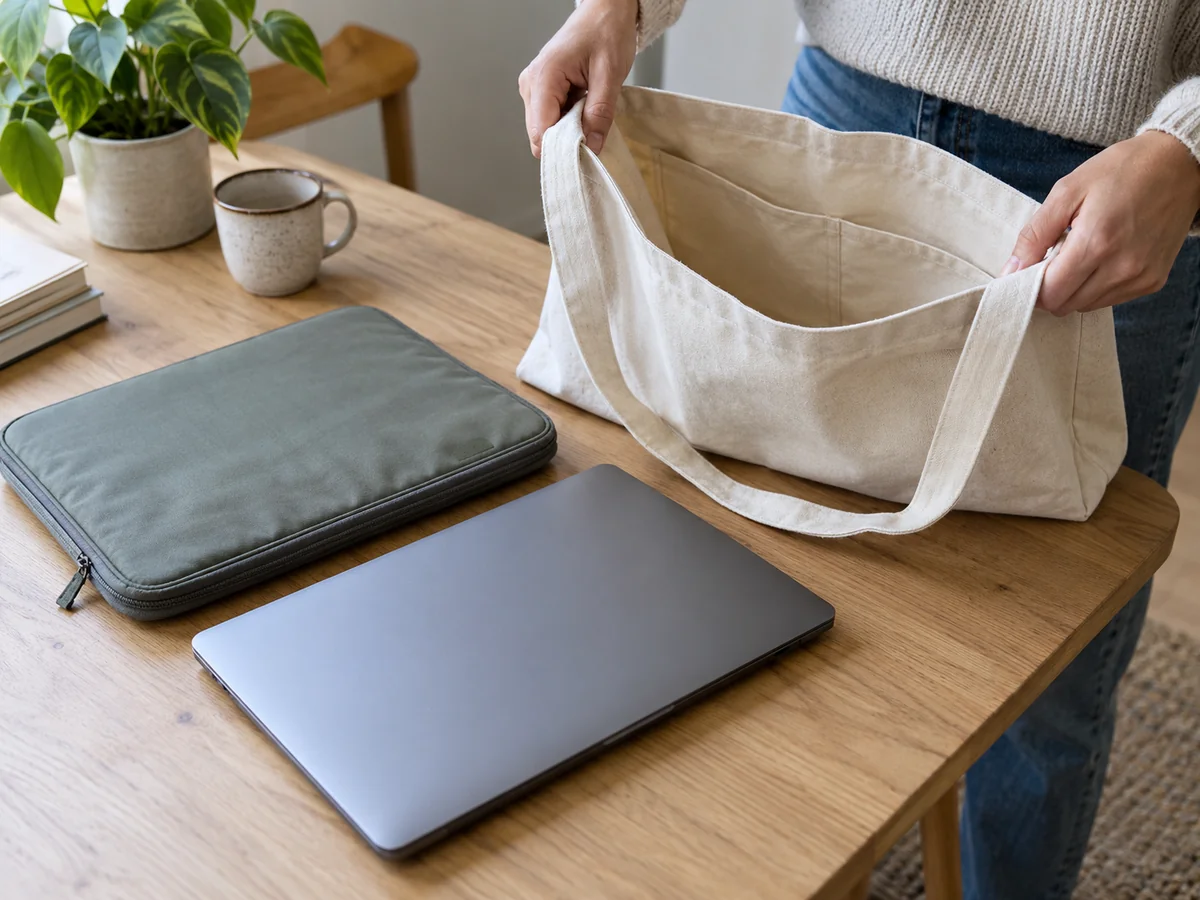
“Fits a laptop” needs a closer look
A tote may be wide enough for a computer without being designed to protect one. An unpadded compartment lets the device rest directly against the base, while books, a charger and keys can press against its surface. Before buying, separate two questions: can the laptop get inside, and how will it be supported once you carry the bag?
Screen size is an imperfect shortcut. Two devices with the same diagonal display measurement can have different outer dimensions. Measure the closed computer, including its case if fitted. If you plan to add a padded sleeve, use the sleeve's external measurements when assessing the tote. A narrow zipped opening may be the limiting point even when the bag's body sounds generously sized.
Look below the pocket
A dedicated sleeve is useful when it keeps the computer upright and apart from loose objects. Check its stated fit and the thickness of its padding. Some designs hold the device above the base; others reach right to the bottom. Do not infer a protective gap from the word “laptop pocket.” Product drawings or a direct answer from the maker can clarify the arrangement.
The closure matters too. A top flap or strap may help stop the device moving out when the bag tilts, but only if it is used as intended. Test whether your sleeved laptop leaves room to close the tote without straining the zipper. A computer that forces the sides apart puts pressure on both the bag and its own casing, especially when another rigid item sits alongside it.
Pack the rest of the workday
A charger and its plug can form an awkward lump against a flat computer. Keep them in a separate pouch or compartment and avoid piling heavy objects on the device. Drinks deserve particular care: a water-resistant outer fabric does not make an internal bottle leak harmless. If liquid regularly travels in the same bag, consider whether a separate carrier is the more practical arrangement.
Try lifting the whole load, including the tote's empty weight. An ordinary tote carries from two relatively close handles, and a laptop can make it twist or pull against your side. Notice whether you can set it down gently and retrieve the computer without balancing everything on one knee. The way you travel matters as much as the advertised capacity.
For a short walk between nearby rooms, a basic tote plus an appropriate sleeve might meet your needs. For frequent commuting, better padding, a stable compartment and comfortable straps may justify a purpose-built bag. Neither option guarantees protection against every impact. Follow the device and bag makers' guidance, and choose a setup that makes careful handling easy rather than relying on a generous width measurement.
Further information